## AI Summary
This document provides an introduction to supporting models for 3D resin printing. It details four types of supports: structural, shape, detail, and bracing. The author emphasizes that most print failures stem from poor supports, not incorrect printer settings. The page lists specific settings for Light, Medium, and Heavy supports, as well as additional presets for Lychee Pro software (Ultralight, Medium-light, Interior Pillar), including parameters like tip diameter and length. It also offers resources for supporting bases, with links to video tutorials.
## Original Content
## There are four types of supports: structural, shape, detail, and bracing.
1. Structural – Supports to hold the model to the build plate.
- These are often the largest tips and found at the bottom of any major island.
2. Shape – These are the supports that maintain the shape of your object.
- You may find that your model will print with very few structural supports but your print will be warped. Adding “Shape” supports between **structural** supports will resolve this issue.
3. Detail – These are your smallest tip sizes, used to support small islands that lead to fine details of a model.
- Don’t place a support on every island. If the island is under 4 or less layers or smaller than your support tip, you will often cause more damage adding a support then leaving it alone.
4. Bracing – Used to keep anything from shifting side to side during the print.
- Just as bracings are used between support shafts to keep them from shifting. Bracing supports also need to be used to keep your entire model from shifting during the print.
[Back to Top](#bp-toc-top)
### Author’s Note:
*“It’s important to understand, once you have your printer dialed in for Burn-in and Normal layer exposure. Over 95% of print failures are a result of bad supports, NOT bad printer settings.*
*When supporting, follow the same logic mentioned previously regarding model sizes. Small, Medium, and Large Models.*
*These support profiles were developed to get the best shape, detail and print success using my* [*Boxes*](https://youtu.be/N6_9eTd7Qig) *Calibration tool.”*
[Back to Top](#bp-toc-top)
## J3D’s Support Settings
[Back to Top](#bp-toc-top)
### Light
- Tip Diameter 0.3mm
- Tip Length 2.5mm
- Diameter 1.1mm
[Back to Top](#bp-toc-top)
### Medium
- Tip Diameter 0.4mm
- Tip Length 2.5mm
- Diameter 1.3mm
[Back to Top](#bp-toc-top)
### Heavy
- Tip Diameter 0.6mm
- Tip Length 2.5mm
- Diameter 1.5mm
[Back to Top](#bp-toc-top)
## With Lychee Pro you can have an additional 3 Presets
[Back to Top](#bp-toc-top)
### Ultralight
- Tip Diameter 0.24mm
- Tip Length 2.5mm
- Diameter 1.0mm
[Back to Top](#bp-toc-top)
### Medium-light
- Tip Diameter.35mm
- Tip Length 2.5mm
- Diameter 1.20mm
[Back to Top](#bp-toc-top)
### Interior Pillar
- Tip Diameter 1.5mm
- Tip Length 2.0mm
- Diameter 1.50mm
If you have Lychee Pro you can DL and import my support settings [here](https://drive.google.com/file/d/1H9UvY9wY_VvTZ_A9B7oOHNWplcXi0VwS/view?usp=drive_link)
[Back to Top](#bp-toc-top)
## Supporting Bases
[Back to Top](#bp-toc-top)
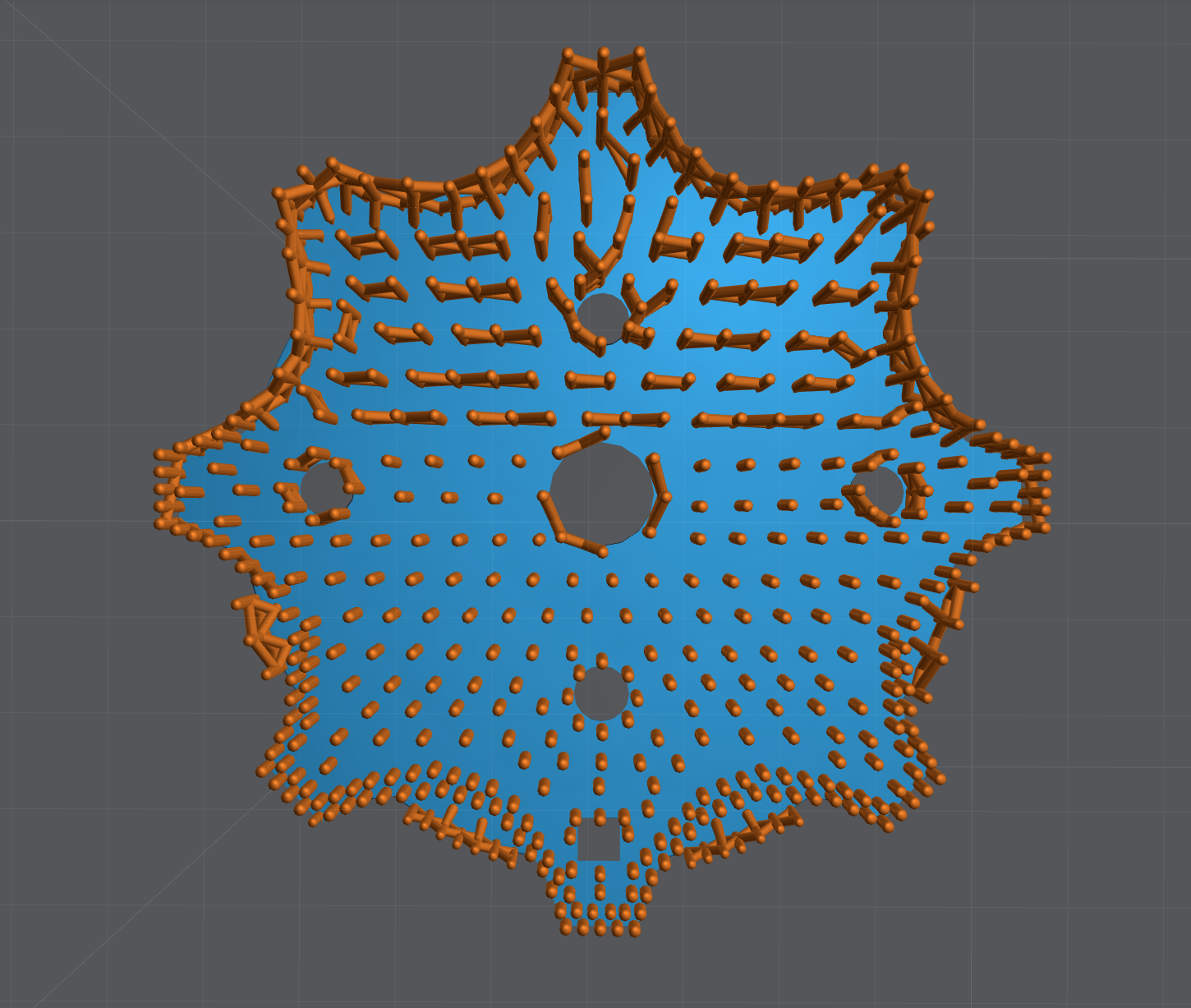
### Mastering Lychee Supports: Watch my video

[Back to Top](#bp-toc-top)
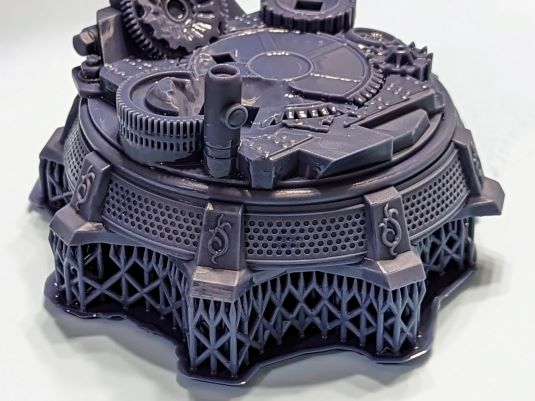
### Watch my video on how I supported this base

Last updated on
[Back to Top](#bp-toc-top)